Haulage companies
Tour planning: from job to tour, with the dispatcher at the wheel
The Tour planning sets the sequence and schedule of the stops. fleet365 makes suggestions, calculates capacities and monitors the tour; the decision stays with you.
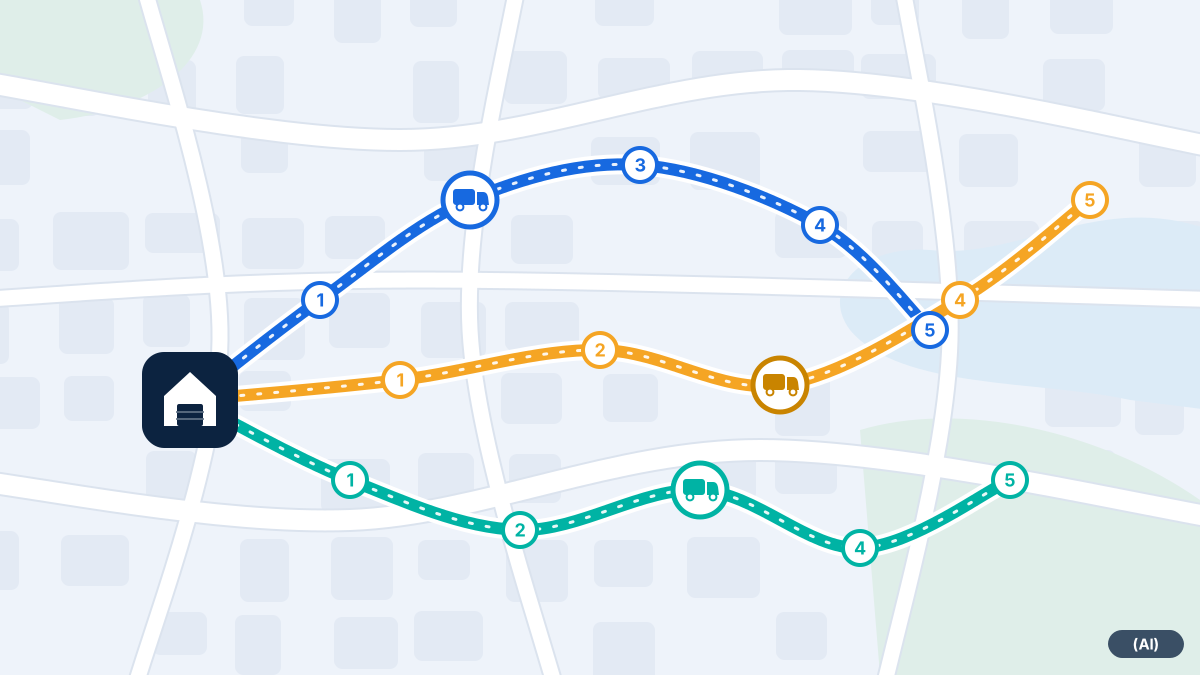
From job to tour
This is how a planning day with fleet365 typically runs.
- 1
Jobs come in
Jobs arrive via an interface (JSON-RPC) or as a CSV file. Each job carries an external reference. If the same file is read in twice, no duplicate jobs are created.
- 2
Vehicles are described
For each vehicle there are type, weight, height, width, length and capacity. The loading volume in cubic metres and the pallet spaces are kept separate and never converted into each other.
- 3
The suggestion is created
An optimiser distributes the stops among vehicles and calculates against a travel-time matrix. You see the result as a tour suggestion on the map.
- 4
You decide
You accept the suggestion, change it or plan by hand. Only then does the tour go to the driver.
- 5
The tour is monitored
Während der Fahrt vergleicht fleet365 Soll und Ist und zeigt die Reststrecke.
What goes into the planning
A tour is only good if it suits the vehicle and the driver. That is why the planning knows more than addresses:
- Vehicle data: weight, height, width, length, volume and pallet spaces
- Loading by weight, volume and pallet spaces, so that nothing is overloaded
- Holidays, shifts and qualifications of the drivers
- Die Reststrecke bis zum nächsten Stopp
- Rebooking of a load to another vehicle when something changes
When something intervenes
Reality rarely sticks to the plan. What matters is how quickly you notice.
Fault report
The driver reports a delay in the app, and dispatch sees it immediately.
Rebooking
A load can be rebooked to another vehicle or another tour.
Planned versus actual
The route is monitored against the plan, so delays are spotted early.
Example: a Monday morning with three vehicles
A scenario, not a customer experience.
A scenario: three vehicles of different sizes, twelve orders, two drivers with special qualifications. Without help, dispatch sorts the orders by hand and works out in their head which lorry can hold how many pallets. With fleet365, orders, vehicle data and driver data are in a single view, and the suggestion shows one possible allocation.
Dispatch checks: does the vehicle's height suit the access route? Is the driver on holiday? Does one customer have to be delivered to first? Where something is not right, dispatch changes the suggestion. What ends up on the road has been decided by a person.
Frequently asked questions
How do my orders get into the system?
Via an interface (JSON-RPC) or as a CSV file. An external reference prevents the same order from being created twice.
Does the system plan automatically?
It makes a suggestion that you review. The decision stays with the dispatcher.
How does fleet365 handle cubic metres and pallets?
The two are kept separate. Volume is never converted into pallet spaces, or the other way round.
Can I also plan by hand?
Yes. The suggestion is optional; you can put together and change routes yourself at any time.
What if a vehicle profile is incomplete?
Then there is no suggestion for that vehicle. You add the data and start the planning again.
Would you like to see fleet365 in action?
We show you tracking using your vehicles and workflows. With no obligation, in German, from Austria.