Haulage companies
Driver app: orders and feedback without radio or telephone
The driver sees their tasks on the smartphone and reports back what is happening. Dispatch finds out immediately, without anyone having to call.
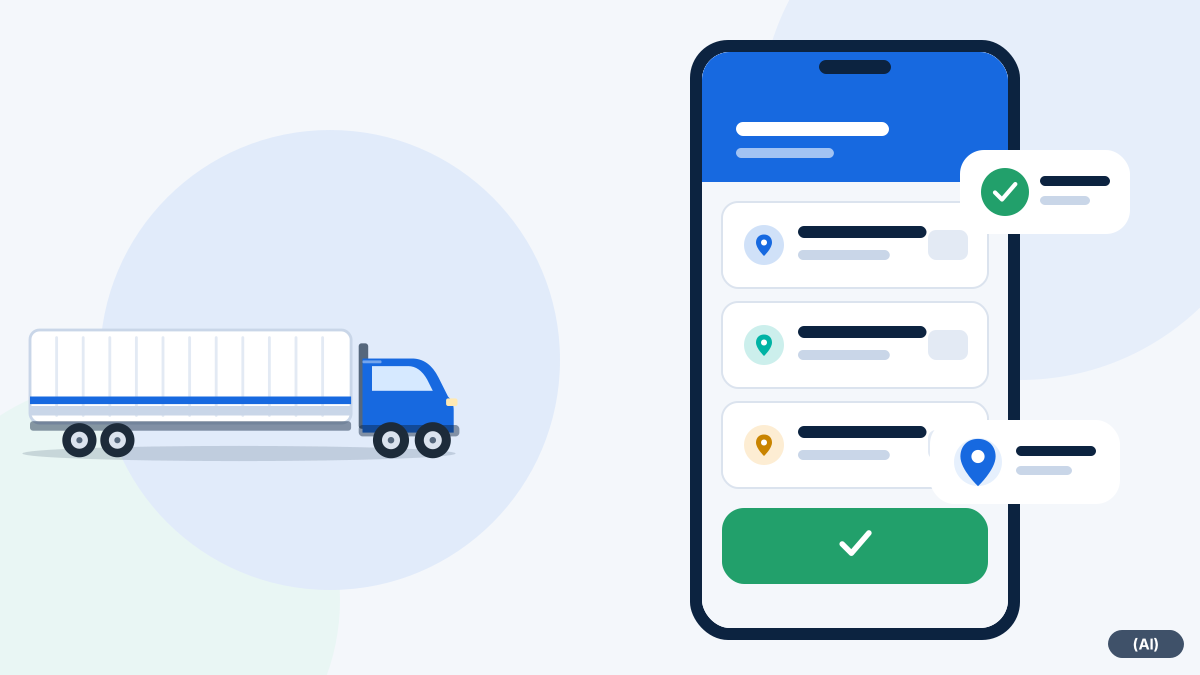
What the driver sees and does in the app
Few steps to operate, so that the app does not distract on the road.
View jobs
The day's tasks with addresses and sequence, without slips of paper or a radio.
Give feedback
Status reports go straight to dispatch and appear there in the route.
Report a delay
Traffic jam, waiting time or breakdown: one press of a button instead of a phone call.
Photos of damage
In the event of a complaint, the app guides the driver through the mandatory photos.
Signature
The customer signs the delivery note directly on the smartphone.
Private or business
Der Fahrer stuft Fahrten ein, wenn das System nachfragt. Die Rückfrage kommt in der App für iPhone und iPad, die derzeit in der Testphase ist.
Who is in the vehicle?
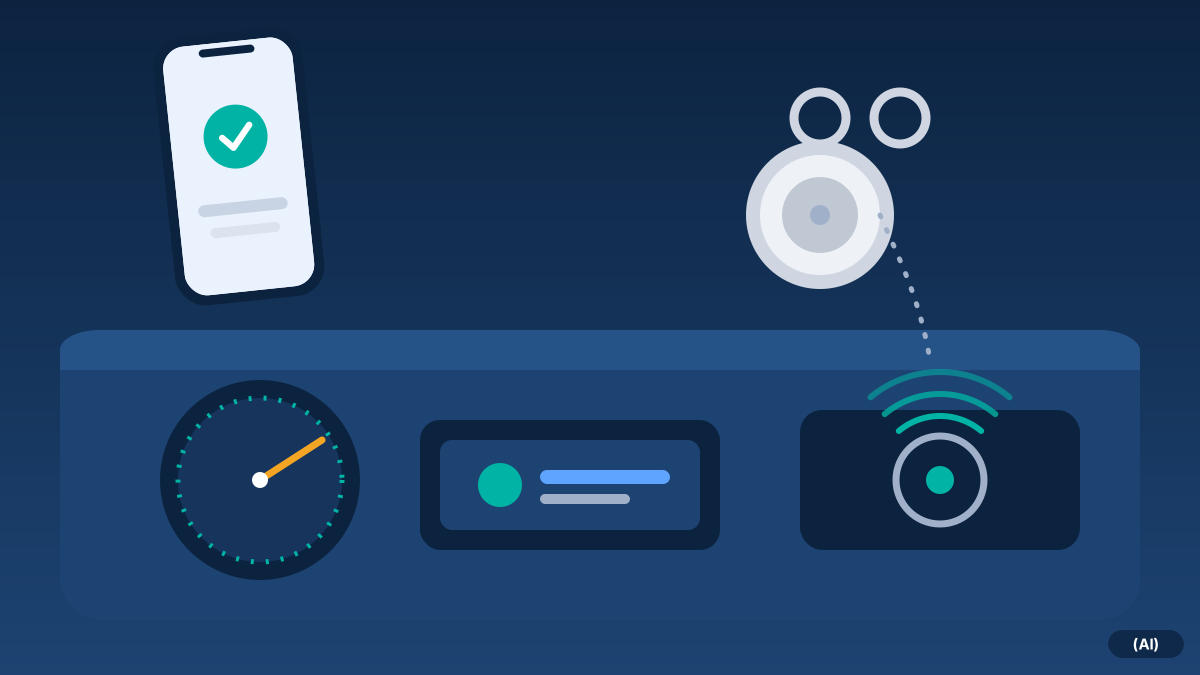
With mixed use and shift changes, it matters which driver makes which trip. The Driver identification clears this up automatically: using iButton, a small chip on the key ring, and through logging in to the app.
- Trips are assigned to the right driver
- No slip of paper, no handwritten note, no clarification afterwards
- More on this under Driver identification
Data protection remains the driver's concern
We build the app so that it provides evidence without monitoring the driver.
Die Web-App meldet keine Position des Fahrers. Die App für iPhone und iPad, derzeit in der Testphase, kennt keine heimliche Ortung des Fahrers. Zwei ihrer Funktionen sind ausdrücklich zu verstehen:
- Driver position, optional. Only if the switch in the app is turned on and a business trip is currently under way does the app report the driver's position. If the trip is reclassified as private, these points are deleted automatically. The retention period is 90 days by default and can be adjusted.
- Phone near the vehicle. The app works out on the phone whether it is near the vehicle and reports only ‘yes’ or ‘no’. No position is transmitted and no history is stored. More on this under Phone moves away from the vehicle
From dispatch's point of view
Feedback flows into the route. Anyone who uses the Tour planning sees status changes and delay reports in the same view in which they plan. This makes it possible to adjust a route before the customer asks.
What the drivers get out of it
Acceptance in the cab determines the benefit.
An app that in everyday use means nothing but monitoring will be bypassed. That is why it should take something off the driver's hands: fewer phone calls, no slip of paper for the logbook, no queries about where they are to go today. A driver who can report delays at the press of a button does not need to phone while driving.
- Orders are always up to date, even when the plan changes
- Feedback with a few taps instead of a phone call
- Clear rules on when the position is reported and when it is not
- Private trips can be marked as such
Talk to your drivers before introducing it. Which functions are switched on should be decided jointly by your company, if applicable with the works council.
Frequently asked questions
Which smartphones is the app available for?
Die Fahrer-Web-App läuft im Browser von iPhone und Android-Geräten. Die App für iPhone und iPad ist derzeit in der Testphase und noch nicht im App Store. Die Android-App ist in Entwicklung und derzeit im internen Test, noch nicht im Play Store. Mitteilungen aufs iPhone gibt es in der App für ein neues Ziel und für die Frage „Privat oder Firma?“, die Web-App schickt keine.
Does the system recognise which driver is driving?
Yes, by iButton at the vehicle and through logging in to the app.
Is the driver tracked all the time?
No. The driver position is reported only if the switch in the app is on and a business trip is under way. When a trip is reclassified as private, the points are deleted.
What happens in a dead spot?
The driver web app needs reception. In a dead spot nothing can be reported until the connection is back.
Can drivers report delays?
Yes, at the press of a button. Dispatch sees the report in the route.
Would you like to see fleet365 in action?
We show you tracking using your vehicles and workflows. With no obligation, in German, from Austria.