Dispatch planning for service providers
Customer information: your customers should not have to call
Today you can share a live position via a link and give customers a portal with their vehicles. A status page “Your technician is on the way” is planned.
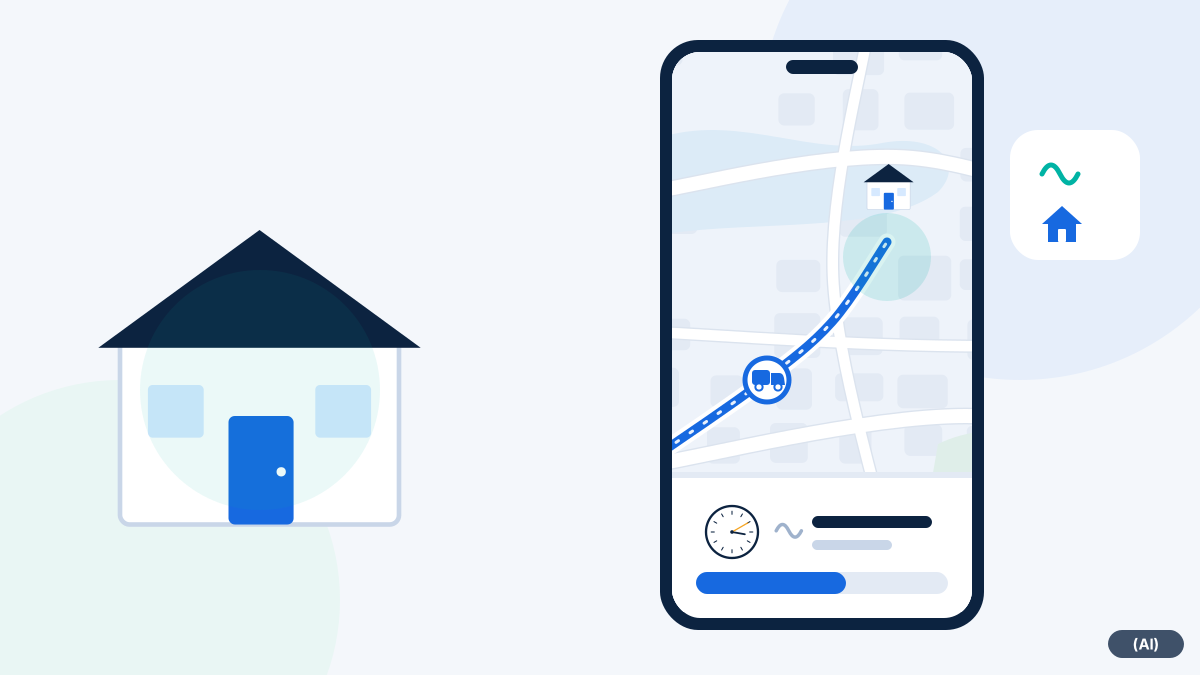
Three stages: today, today, planned
Customer portal with its own access
Several users with roles and permissions. Each customer sees only their own vehicles.
Status page for recipients (planned)
A page with the expected arrival for whoever is waiting for the technician. Not yet available.
Why customers call
Customers call because they do not know when someone will arrive. This ties up your head office, and the answer is often an estimate.
Today, dispatch gives the situation from the map over the phone, or the customer sees their vehicles in the customer portal. There is no link to just one vehicle. The arrival time remains an estimate, because traffic and the previous job change it.
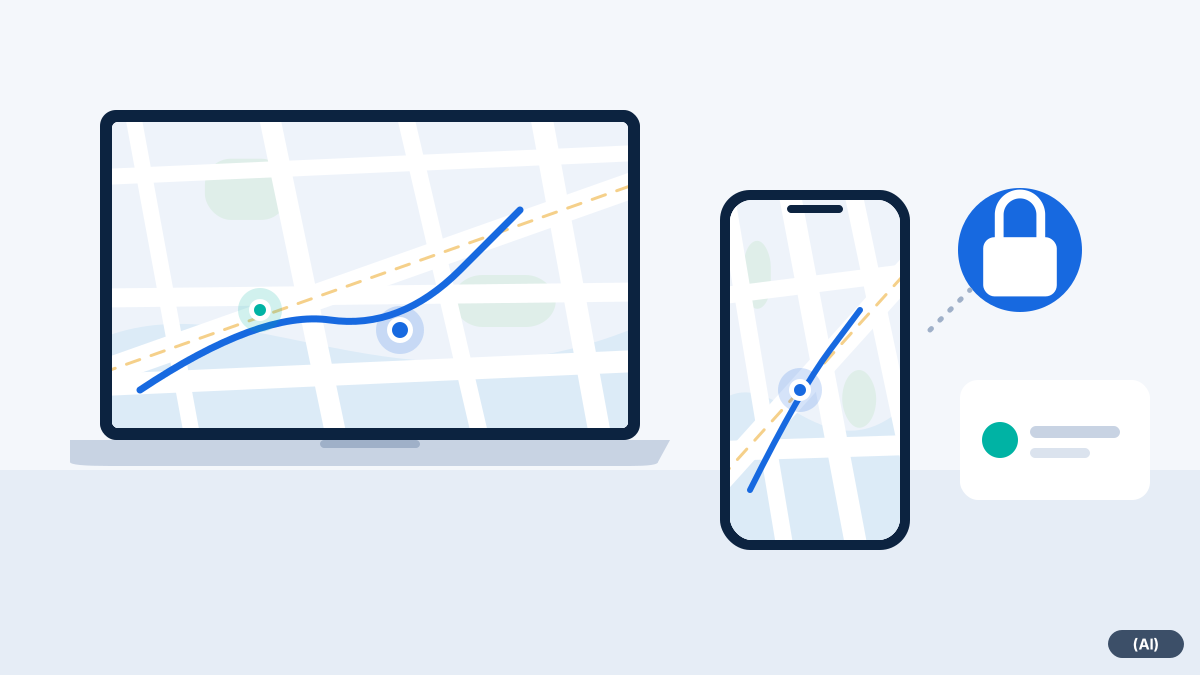
- Public link: only for screens on your own premises, it shows all of the user's vehicles
- Customer portal: access for clients who should see their vehicles themselves
- Driver position on request, so that head office can give information over the phone
- Planned: status page with expected arrival for recipients
What this means in everyday work
| Customer's question | Possible today | Planned |
|---|---|---|
| Where is the technician right now? | Head office gives the situation from the map and, if needed, queries the driver position | Status page for recipients |
| When will he be expected to arrive? | Dispatch estimates from the map and history and passes it on | Expected arrival automatically on the status page |
| Which vehicles are out on our behalf? | Customer portal with its own access and its own vehicles | Further views in the portal |
| When was the technician there? | Time record from the history, passed on by you | Direct retrieval by the customer |
What the system does not do by itself
fleet365 does not send any emails or notifications to customers from dispatch. This is deliberate: nothing should reach the customer without your involvement. If you want to inform customers, do so with the link or by phone.
If you agree a service commitment with your clients, the system can help you to trace the response time and the arrival time. This can show whether a deadline was met, but it does not replace the contractual assessment.
Tips for communicating with customers
Anyone who informs customers should first decide who says what and when. The system supplies the data, you supply the agreement.
- Appoint one person at head office who passes links on to customers and gives arrival times
- Always give arrival times as expected and notify customers early in case of delays
- Send links only to people who are allowed to see the position, and do not use them any more after the job
- For clients with contractual deadlines, agree which report counts as proof
Frequently asked questions
Can the customer see the arrival time?
Today only via portal access to their vehicles or through information from you. A dedicated page with the expected arrival is planned.
Does the link stay active permanently?
A link shows a live position via an address with an access code. We discuss how long it remains valid during set-up.
Is the customer informed automatically when the technician sets off?
No. Dispatch does not send anything on its own. You decide whether and when to pass on a link or information.
Can a customer see other people's vehicles?
No. Each user sees only the vehicles that belong to their account.
Would you like to see fleet365 in action?
We show you tracking using your vehicles and workflows. With no obligation, in German, from Austria.