Dispatch planning for service providers
Job times: derived from journeys, not entered afterwards
fleet365 derives the start, end and duration per working day from business journeys. Transfer of job times into an invoice is planned and not yet available.
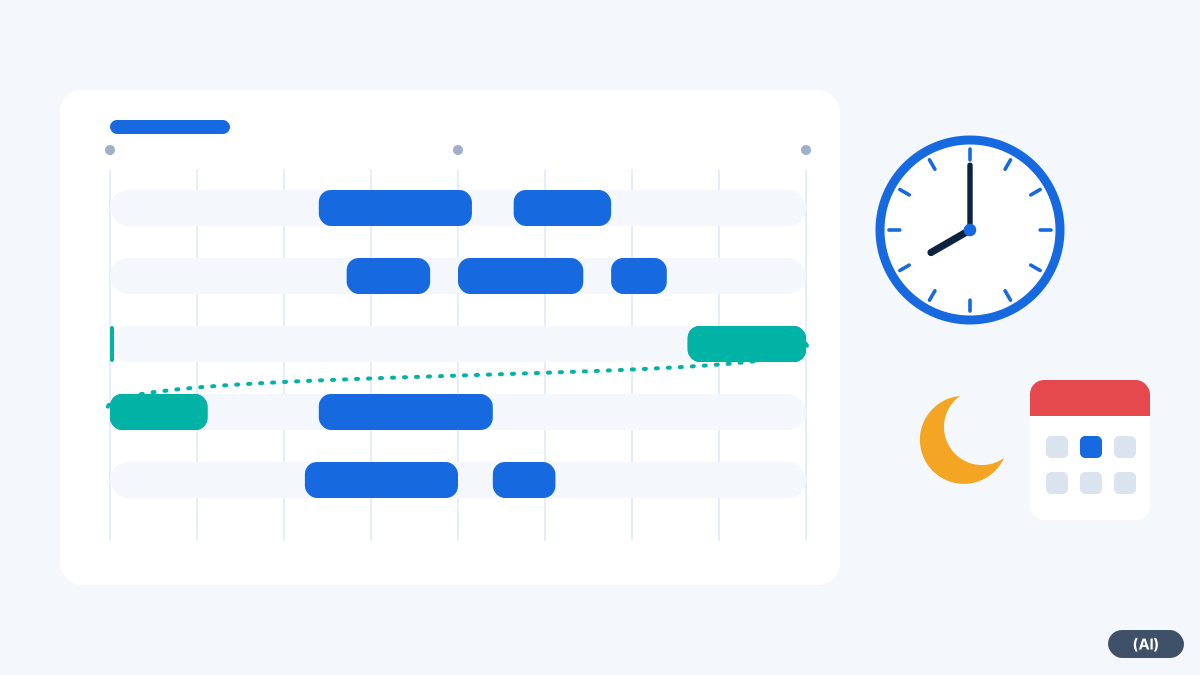
What is available today
This works for vehicles with an ignition connection and for those whose journeys are detected from movement.
Start, end, duration
For each working day, duty time and working time are derived from the business journeys.
Daily cut-off
Journeys past midnight are assigned to the correct working day. The cut-off can be set per vehicle.
Public holidays and target
Public holidays for Austria and Germany are taken into account. Actual and target can be compared.
Time from data instead of from memory
In many service businesses, times are produced in the evening: filling in timesheets, estimating travel, forgetting breaks. This costs time and leads to disputes with customers and employees.
fleet365 calculates from the business journeys the start of the first journey, the end of the last and the duration of the working day. The Daily cut-off ensures that a night job does not land on the wrong day. Together with the Proof of attendance this provides a data basis for evaluation and queries.
- Duty time per working day, derived from business journeys
- Actual/target comparison with the stored target time
- Private journeys are not included in duty time
- A job at the customer's site can be retrieved as a time record
An everyday example
Billing: put into honest perspective
Many service providers bill by job time, for example in 15-minute increments. fleet365 supplies the times for this as a basis. A ready-made chain from ticket through time to invoice, however, is not part of the product.
The transfer of job times into an invoice is planned. Until then, you take the times from the history and enter them into your billing program. We do not give a date for this.
The evaluation of Vehicle logbook and duty time also helps: private journeys are kept separate, and journeys past midnight belong to the correct working day. This way you argue less about individual days at the end of the month.
Tips for clean times
The evaluation is only as reliable as the settings behind it. A short comparison at the time of introduction is worthwhile.
- Choose the daily cut-off per vehicle to suit your shifts, especially for night jobs
- Store target times and public holidays of the country in which your employees work
- Classify private journeys consistently so that they do not distort duty time
- In the first weeks, compare a few days with your previous time records and clarify any discrepancies
Frequently asked questions
Does this replace working time recording?
No. It derives times from journeys and provides records. The obligation to keep records remains with the business.
Does this also work without an ignition connection?
Yes. Vehicles without an ignition connection detect journeys from movement. Duty time is derived for them too.
Where do I see the times?
Per vehicle and working day in the duty time report. The history view shows the route as well.
How accurate are the times?
They are approximations from location data. We derive breaks from standing times. During introduction, check the results on a few days against your previous times.
Can the system create invoices?
No. The transfer of job times into an invoice is planned.
Would you like to see fleet365 in action?
We show you tracking using your vehicles and workflows. With no obligation, in German, from Austria.