Emergency call-out services
Winter maintenance: document trips and times at properties
After the first black-ice accident, someone asks when your vehicle was at the property. fleet365 shows when it was there and for how long.
Where everyday work gets stuck
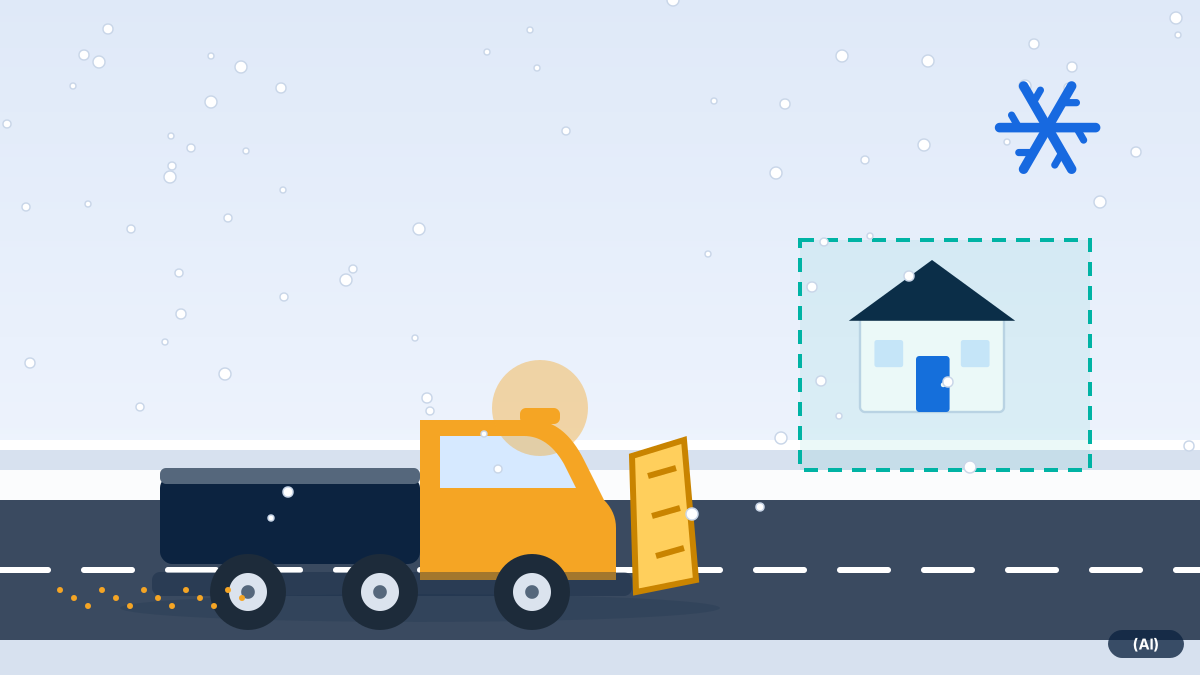
Winter maintenance crews are seldom at home in the office. They drive at night, several properties per round, in changing weather. Afterwards they are asked about the time: when did the snow plough come? How long was it at the property?
Billing by job time depends on the same data. Anyone who estimates times is in a weak position when queries arise.
What fleet365 can do for this
Time per property
The time at the property results from arrival and departure, as a basis for your billing.
When was the vehicle at the property?
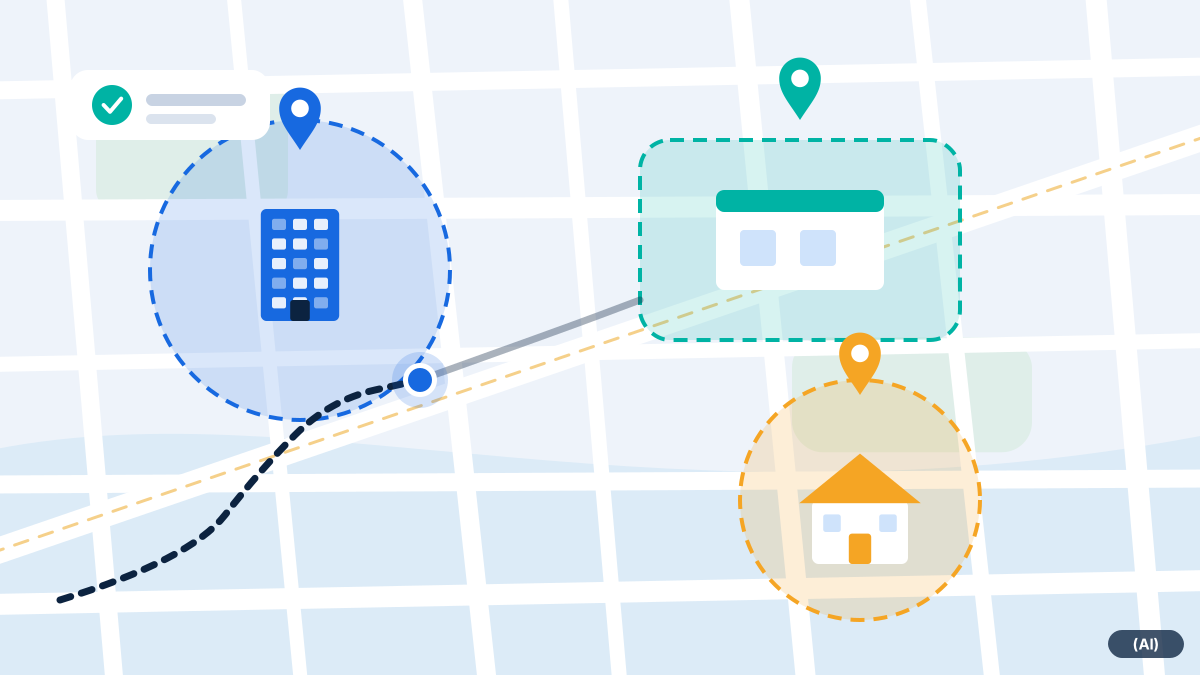
If a property has been created as a geofence, every trip in and out appears as an event. The history shows the route in between. This makes it easier to document the time and duration when queries arise.
- Several properties per round, each with its own geofence
- Working time per working day, also for night call-outs across the day boundary
- Movement alert for vehicles that are moved without a trip
What a job can look like
Frequently asked questions
Does fleet365 prove that clearing took place?
No. It proves when the vehicle was at the property and for how long. Whether and with what clearing took place is not in it.
Can I create many properties as geofences?
Yes. Each property gets a geofence. How many you can sensibly maintain depends on your effort; technically, the number is not the bottleneck.
Does this also work without an ignition connection?
Yes, via motion detection. It suits devices that do not read out the ignition.
Would you like to see fleet365 in action?
We show you tracking using your vehicles and workflows. With no obligation, in German, from Austria.